Apple Vision Pro – 8 Incredible Features to Look Out For
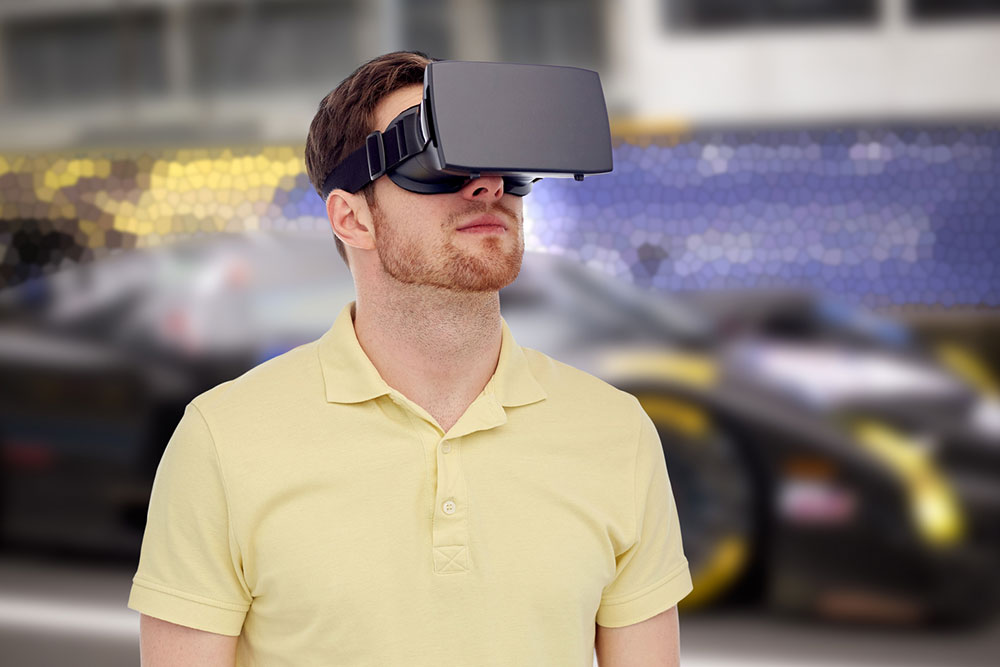
With nearly a decade in development, Apple finally unveiled the Vision Pro. The augmented and virtual reality headset was introduced during the annual Worldwide Developers Conference (WWDC) at Apple’s headquarters in Cupertino (CA). With its release date slated to be at the beginning of 2024, the Apple Vision Pro is expected to bring in some exciting features. Here’s a look at some of the incredible specs to expect based on the demos given by Apple.
Features to look forward to in Apple Vision Pro
1. Mixed reality headset
With Apple marketing it as a spatial computer, the Vision Pro is a mixed-reality headset. One of its most notable features is its ability to blend digital content with the surrounding physical world. This means that the headset displays content based on augmented reality overlaid on the physical world around the user. However, the headset is not see-through. But it offers entirely immersive virtual content. It uses cameras to map out the actual physical world and transforms real-life elements into digital ones. Thus, everything that is displayed on the device is digital.
2. visionOS software
With each new device category that Apple has introduced, there has been a new OS. Similarly, the Vision Pro has its own custom software known as visionOS. It has been designed from scratch to specifically support the new hardware of Vision Pro. In addition, the OS has been crafted based on the low-latency requirements involved in spatial computing, which is the core of the AR headset.
3. A rotating dial with varying immersion levels
Apple Watch users may recognize the rotating dial or crown on the Apple Vision Pro as one of its distinctive features. Users can choose the level of immersion with this dial. Based on how focused or attentive a user wants to be in the augmented reality setting, the dial can be used to tune in and out of the virtual setting. For example, one can reduce the level of immersion when giving a presentation to their employer. However, if someone is watching a movie or playing games, the immersion level can be increased.
4. Virtual spaces called “Environments”
Apple has designed a virtual background known as Environments. This feature includes dynamic visual imagery picked from actual locations. All of these images have been volumetrically captured using high-res 3D cameras. As a result, environments throw up images that make it appear like a person is actually in a real location. One can activate this setting simply using the routine dial. Users can expect to use Environments to replace their natural surroundings or remove distractions while watching a movie, playing video games, or doing any activity that requires a complete immersive experience.
5. Fluid eye tracking capability
Another feature to look forward to in the Vision Pro is the seamless eye-tracking ability. Users have to use their eyes to navigate around the interface. It is similar to how mouse pointers work. The Vision Pro utilizes LEDS and infrared cameras to detect the movement of the eyes. With every minute movement, the Vision Pro determines where the user is looking in the immersive landscape.
6. Intuitive hand gestures to control the interface
Along with eye movements, Apple also allows users to utilize hand gestures to work through the interface. Without using any heavy extra controller, users can simply use their hands to provide physical cues that resemble scrolling, clicking, or zooming out and in. For example, one can just tap the first finger on the thumb to click. In addition, a user can also move open or scale a window using gestures. All of these gesture-based actions are made possible with several sensors present in the Vision Pro. With these, users get as close to real-life experience as possible while interacting with virtual objects.
7. Realistic avatars for a 3D FaceTime
With the Vision Pro, consumers can look forward to taking their FaceTime experience to the next level. Apple has adapted FaceTime to show other callers in different virtual tiles. These tiles will float in the virtual surroundings. Users can scale and move around these tiles based on personal references. However, the most exciting aspect of FaceTime will be the realistic avatars. Using TrueDepth cameras, the VisionPro will create an almost-real representation of the user’s face. This is similar to the Memojis created by iPads and iPhones. These avatars will be on display during FaceTime calls so that the user doesn’t have to hold any device in front of them. Just wearing the headset over the head will do the trick.
8. Optic ID for better privacy and security
Apple has worked to keep users in control of their data in the Vision Pro. The device uses a brand-new authentication system called Optic ID, which is highly secure. This system analyzes the user’s iris through multiple invisible LED light exposures. To unlock the headset, its iris data is compared with the enrolled Optic ID data. Apple has stated that the Optic ID data is completely encrypted. That is, it does not leave the device and is inaccessible to all the apps.