12 common mistakes that can damage one’s smartphone
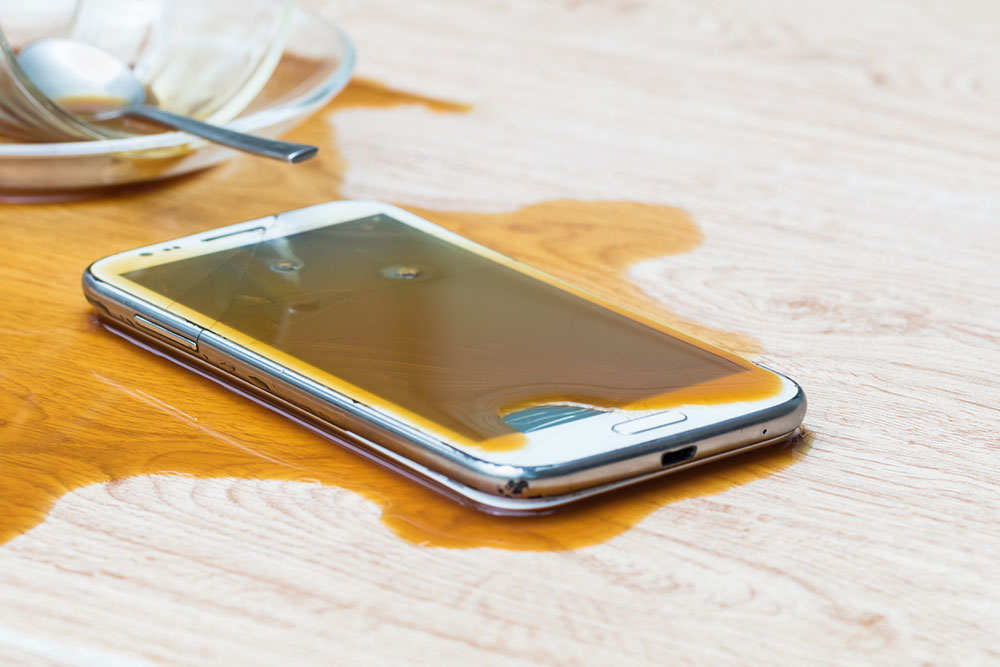
In today’s fast-paced world, smartphones have become indispensable. These devices are one’s communication hub, entertainment source, and personal assistant. With an increasing dependence on these devices, it becomes crucial to use them correctly for prolonged longevity. However, many people inadvertently make common mistakes while handling smartphones that can affect their health and performance. So, here are some mistakes that can harm one’s smartphone and tips on how to avoid them.
Not unplugging the phone
When a smartphone stays plugged in even after the charging is complete, it experiences a continuous flow of electricity to maintain that charge, resulting in added strain on the battery. This can lead to excess heat, which ultimately contributes to potential damage. To preserve the battery’s health and longevity, it’s advisable to unplug the phone as soon as it reaches its charging potential rather than letting it remain plugged in unnecessarily.
Charging the smartphone overnight
Leaving a smartphone plugged in overnight might seem convenient, but it’s a mistake that strains the phone’s battery. This continuous charging, often called “trickle charging,” can lead to the battery slowly losing its capacity over time. It eventually leads to an overall diminished battery life and reduced performance.
Letting the battery drain fully
Many smartphone users may have the habit of using their device until the battery drains completely to 0%. However, this practice is detrimental to the battery’s longevity. Most smartphones have lithium-ion batteries, and if one allows them to drain to zero, it adversely affects the battery capacity over time. One is advised not to consistently let the charging reach 100% or drop to 0%. It’s recommended to maintain a regular charging cycle and charge the phone up to 80% for optimal performance. By following this practice, users can help extend the lifespan of their smartphone’s battery and maintain optimal performance.
Ignoring using cases or screen protection
One of the first things people notice about a smartphone is its screen. It’s not surprising that a scratched, cracked, or shattered screen is a common issue. Neglecting to use a screen protector and a sturdy phone case can expose one’s phone directly to dirt, germs, and water. Screen protectors shield the display from scratches and minor impacts, while cases protect against drops and accidents. To avoid this mistake, one is advised to invest in quality screen protection, like a tempered glass screen protector and a durable case to safeguard the smartphone. This dual protection also ensures that the phone metal looks new and shiny for a long time, thus providing additional benefits if one plans to resell the phone.
Exposure to extreme temperatures
Extreme temperatures, both hot and cold, can be detrimental to one’s smartphone’s performance. High temperatures can cause the battery to overheat, age the phone, and may result in permanent damage. Cold temperatures can slow the phone and even cause it to shut down. Alternatively, charging lithium-ion batteries in sub-freezing temperatures can lead to lithium plating, which degrades battery capacity. So, one should avoid charging the phone in temperatures below 32℉ for a healthy battery. One can try to keep the phone in a moderate temperature range and avoid leaving it in a car on a hot summer day or a freezing winter night.
Downloading unverified apps
Installing apps from unverified sources can expose one’s smartphone to malware, viruses, and other security threats. Downloading apps only from reputable app stores is crucial. Additionally, one should also practice reading app reviews and permissions to ensure one is not granting access to sensitive information unknowingly.
Ignoring app permissions
Some apps request access to sensitive information, such as contacts, location, or camera, which may not be essential for their functionality. Not thoroughly reviewing these permissions can compromise privacy and expose personal data to potential misuse. It’s essential to be selective when granting permissions and only provide access to the information necessary for the app’s proper functioning.
Ignoring software updates
Regular software updates are essential to keep one’s smartphone running smoothly and secure from vulnerabilities. Ignoring these updates is a common but potentially costly mistake. It’s advisable to set the phone to automatically update its software or check for updates regularly to stay current.
Using the wrong cleaning products
Cleaning the smartphone is essential, but using the wrong cleaning products can be a mistake that damages the device. Avoid harsh chemicals, abrasive materials, or excessive moisture, as they can harm the screen or internal components. One can use a microfiber cloth and screen cleaner designed for electronics to clean one’s smartphone safely.
Using public wi-fi
Another common mistake people make while using smartphones is connecting to public Wi-Fi networks without considering the potential security risks. In the pursuit of convenience, they may inadvertently expose their data to cyber threats. Unsecured public Wi-Fi networks can be breeding grounds for hackers and data breaches. To avoid this mistake, one should exercise caution when connecting to public Wi-Fi and consider using a Virtual Private Network (VPN) for an extra layer of security to protect their sensitive information.
Using the wrong charger
Another mistake that individuals often make is using the wrong charger for their smartphones. Using chargers not certified by the manufacturer or cables that belong to other gadgets can damage the charging port, affect battery life, and compromise the device’s overall performance. It’s crucial to use chargers and cables that are compatible with one’s device to ensure safe and efficient charging. This simple but essential precaution can prevent costly repairs and maintain the smartphone’s functionality.
Leaving Bluetooth on all the time
Leaving Bluetooth enabled at all times can leave one vulnerable to unauthorized access and hacking attempts. Hackers can exploit open Bluetooth connections to access personal information or even take control of the device. To minimize these risks, individuals should disable Bluetooth when not in use.