11 habits iPhone users should break today
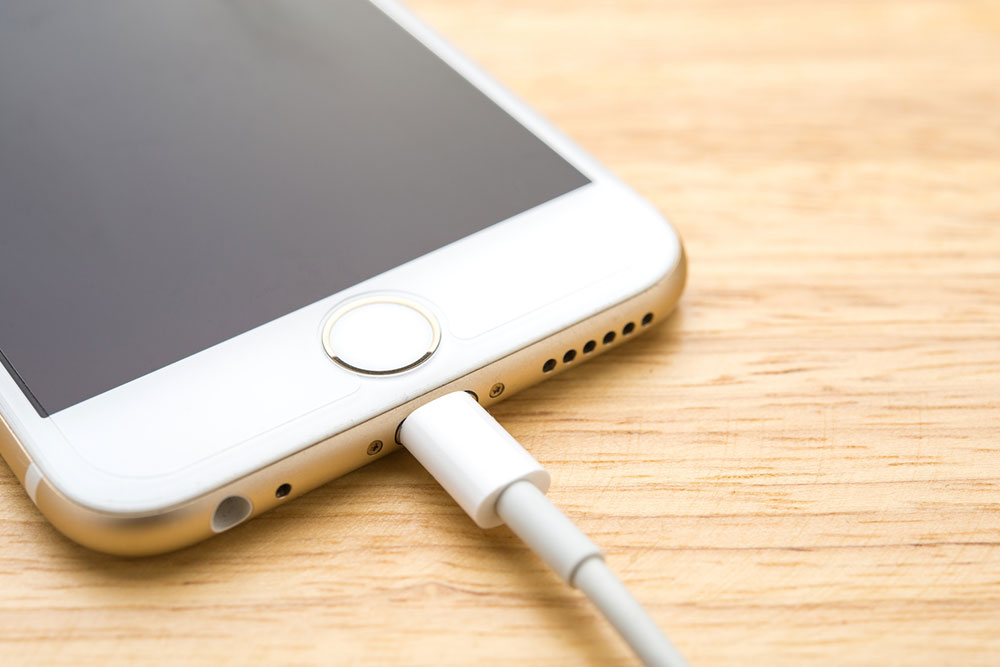
There are over 1.46 billion active iPhone users worldwide as of 2023, making it one of the most popular brands in the smartphone market. While the iPhone may be great, some unknowingly develop bad habits when using it, which affect the gadget’s overall performance, reduce its lifespan, and lead to unnecessary repair costs in the long run. Experts recommend breaking these habits today to keep the iPhone in top condition.
Neglecting software updates
One of the biggest mistakes is delaying or ignoring software updates. Many users think it is unnecessary to download and install updates on iPhones because they are known for providing good security out of the box. However, not performing this task can leave the device vulnerable to security threats and lead to compatibility issues with apps and services. Updates often contain essential security patches, bug fixes, and performance improvements. If someone finds it inconvenient to check for updates regularly, they can visit the Settings app on the iPhone and enable “Download iOS Updates” under the “Software Update” section. This handy feature downloads and installs updates automatically at a suitable time.
Not backing up regularly
Some users forget to back up the iPhone regularly or avoid it deliberately because it is time-consuming. Remember, a single crash or malware attack can result in significant data loss. The same can also happen if the device malfunctions, gets stolen, or someone clicks the wrong buttons. iPhone users risk losing photos, messages, contacts, and app data without regular backups. A simple solution here is to enable iCloud Backup or use iTunes/Finder to create regular backups of the internal storage. Always ensure the data is safe and can be restored if needed.
Using unauthorized accessories
Apple strictly advises against using unauthorized accessories to protect the hardware. Despite that, some opt for cheap, unauthorized chargers and cables to save money. These accessories may not meet the brand’s quality standards, damaging the iPhone’s battery or internal components. They may also pose safety risks, such as overheating or electrical hazards. So, always invest in Apple-certified accessories or reputable third-party products that meet safety and performance standards. While they might be slightly expensive, they are worth it in the long run.
Ignoring battery health
Draining the battery to the last 1% is a bad habit. Users often disregard their device’s battery health, thinking it’s not a concern. But over time, iPhone batteries can degrade, affecting performance. Ignoring battery health can lead to unexpected shutdowns, reduced battery capacity, and the need for costly battery replacements. Monitor the battery regularly by visiting the Settings app and clicking the “Battery Health & Charging” tab. This should display the iPhone’s battery’s capacity, peak performance, and other details. If the battery is significantly degraded, consider replacing it to restore functionality.
Allowing the device to overheat
Electronic devices, including premium-quality iPhones, are susceptible to heating with use. To add to it, some users expose them to high temperatures and leave them in direct sunlight. Doing so can cause the iPhone to shut down, damage the battery, or affect overall performance. It may also lead to permanent damage in extreme cases. So, avoid leaving the phone in direct sunlight, including cars parked in the sun, where it can trap heat. Use protective cases that do not trap heat, and be cautious when using resource-intensive apps in hot weather.
Not cleaning the phone properly
Many users neglect to clean their iPhones regularly or use improper cleaning methods. Accumulated dirt, dust, and grime can hinder the gadget’s performance and affect its appearance. Dirty screens and ports may also lead to connectivity issues or damage over time. Clean the iPhone with a soft, lint-free cloth and a tiny amount of water if necessary. Avoid abrasive materials or harsh chemicals. Clean the charging port gently with a non-metallic tool to remove debris.
Exposing it to liquids
Many carry their iPhones near water or liquids, thinking they are waterproof. iPhones are water-resistant to a certain extent only. Liquid exposure, especially without a proper case or protection, can result in damage and expensive repairs. So, invest in a water-resistant case to further protect the device in wet or humid conditions. Moreover, avoid placing it near pools, sinks, or drinks without proper protection.
Overcharging
Some users leave their iPhones plugged in overnight or overcharge regularly, thinking it will not harm the battery. Overcharging can lead to battery degradation over time. Modern iPhones are designed to prevent overcharging to some extent, but constant overcharging can still negatively impact the battery’s lifespan. Charge the iPhone when needed and unplug it once it reaches 100%. Turning on the iPhone’s “Optimized Battery Charging” feature is also advisable to prevent overcharging.
Filling up the storage to the brim
Unlike Android smartphones, iPhones do not come with expandable storage. Even the larger 1TB variants will not suffice for users who take pictures and record videos in 4K resolution. Exhausted iPhone storage can lead to decreased performance and slow down app launches. It may also prevent users from taking more photos or downloading important updates if the memory reaches its max capacity. So, regularly review and delete unnecessary apps, photos, and videos. Also, consider using cloud storage services like iCloud to offload content and free up space.
Ignoring app permissions
Some grant unnecessary permissions to apps without reviewing them carefully. Apps with excessive permissions can access users’ personal data, potentially leading to privacy breaches or misuse of stored information. Always review and manage app permissions by visiting the “Privacy & Security” page in the Settings app. Only grant permissions essential for the app’s functionality.
Disregarding Apple’s guidelines
Some users disregard Apple’s guidelines for storage, charging, and usage, thinking their habits are harmless. Not following the manufacturer’s recommendations can lead to problems like battery damage, data loss, or compromised security. Users should familiarize themselves with the dos and don’ts of iPhone usage and the guidelines for storage and charging. This information is available in the online iPhone User Guide.