10 Hidden Apple Watch Hacks One Must Know About
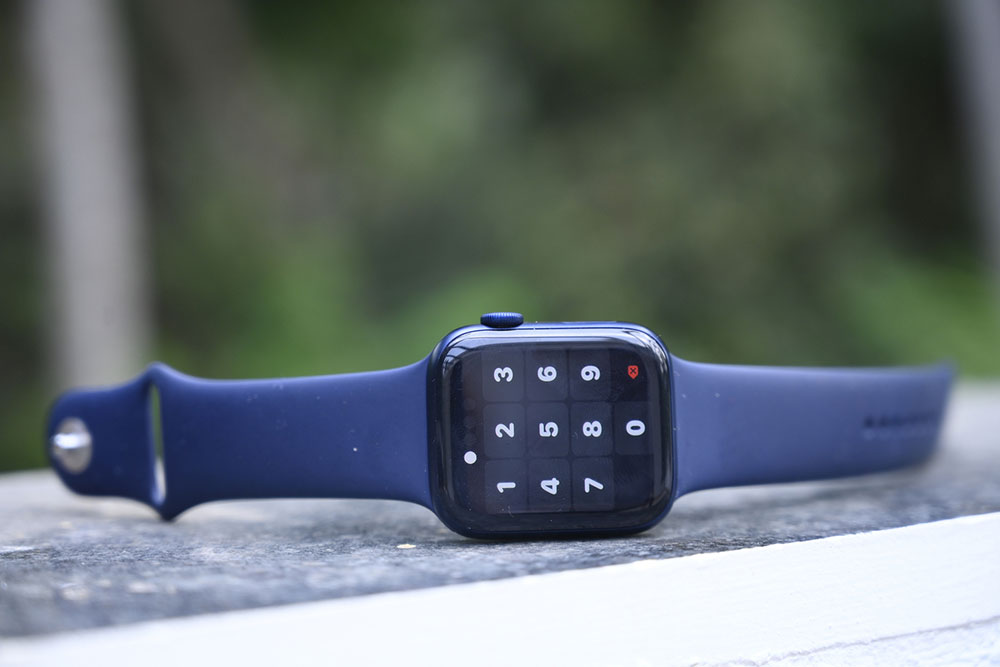
A smartwatch in today’s time is not merely a watch but a whole set of gadgets right on one’s wrist. Apple Watch is one of the most popular products in this category, and thanks to their Series 8 and Series 9 features, more and more people are intrigued by these devices. There are some basic functions that are generally well-known by most, but there are also some tips to make the most out of this device.
1. Use the handwashing alert feature
This hygiene care does not require a smartwatch, but one can simply use a handwashing timer on the smartwatch to make sure that the 20 seconds are fully utilized. This can be especially useful in keeping health and safety checks and is just a neat hack that not many people may know of. This setting needs to be enabled in the watch under Settings.
2. Control Apple TV
Losing the TV remote is a common issue, but with the Apple smartwatch, the device itself turns into a remote control for Apple TV. Both devices need to be connected to the same Wi-Fi network, and then they can easily be accessible to the user. To use this feature, open the Remote app on the watch, add the Apple TV, and then select it on the Apple TV. For pairing the device, a passcode will be needed, which will appear on the watch. Just add that to align the settings.
3. View edited messages
In iOS 16, the smartwatch had the update where it could edit the texts sent over iMessage. With the Apple Watch Series 8, users can not only edit, but they can also see the edit history of the messages. To view the edit history, tap and hold “Edited” below the message. This will reveal the edits.
4. Get email notifications
When the iPhone is paired with the Apple Watch, emails are easily sent to the device. However, with the Apple Watch Series 8, the device no longer needs to be closer to the iPhone to receive an email. It uses an iCloud server to receive emails on the smartwatch.
5. View activity rings during workouts
This health indicator about activity level was always accessible to Apple users except when using the Apple Watch workout. The user had to exit the workout app to check how the workout would impact the activity ring. However, with Series 8, the user can now scroll up with the Digital Crown and take a look at the activity ring.
6. Enhanced Siri speed
Although this is a well-known feature of Apple products, the Apple Watch Series 9’s notable feature enhancement is the processing boost Siri received. This implies that the user will now receive a response from Siri more quickly than before since it can now listen to requests more efficiently. For example, simply tell Siri to set an alarm for 6 in the morning, and it will be done in 1.81 seconds.
7. Use the Water Lock feature
This is a great feature for all swimmers who want to use the Apple watch to record data regarding their workout. The watch is water resistant, though, and not waterproof, so this distinction is necessary to note. Anyone wanting to start their swimming workout must enable the Water Lock feature. This is indicated by a blue drop icon, which appears at the top of the watch face. When this mode is on, the watch does not respond to any touch on the screen to prevent accidental water damage. Also, when the mode is switched off, the watch ejects any water that remains in the speaker region of the device.
8. Use the Mindfulness app
Although writing a journal is a valuable tool for managing various thoughts and patterns, it may be difficult to do it every day. Therefore, this feature on the Apple Watch makes journaling easy for its users. One can track one’s mental state as well as the things that influence it. Users only need to rotate the Apple Watch’s digital crown to see the several feelings described and choose one to provide the correct response. For those who value this process, making further notes or observations about their mental state might be a useful journaling exercise.
9. Join group FaceTime calls
The watch allows users to hop on to group FaceTime calls without a hassle. There will be no video, of course, but the photo of the user will be visible to the participants. To make up for the small screen on the watch, the photo of the participant who is currently speaking will pop up on the screen, making it easy to recognize who is talking.
10. Use the Namedrop feature
This feature allows the user to securely share their contact information, photos, and other important information with another device through an encrypted connection. The user can also select what information they want to share and keep the rest private just for themselves. Use this feature by clicking Share in the contacts app on the watch or by just tapping the My Card watch face on the device and keeping it next to the phone to which the user needs to share the information.
The price of the new Apple Watch Series 9 starts from $399 for an Aluminum case and $699 for a stainless steel case. Some offers are available on the Apple Watch Series 8 at Best Buy, where it is being sold at $279.